ArcGIS Locator
Use this guide to configure the Geoscape locator in ArcGIS Online so users can search for Australian addresses in their maps.
The Esri-compatible locator makes the Geoscape Predictive and Addresses APIs available as a locator in ArcGIS Online. It exposes the operations needed by the locator rather than the complete Esri REST API.
Before you begin
You need an ArcGIS Online organisation administrator account and a Geoscape Hub application with the Esri Compatible Locator product. Use the application's Consumer Key in the locator URL.
Configure the locator
-
Log in to ArcGIS Online as an organisation administrator
-
Open Organisation

-
Open Settings

-
Select Utility Services from the settings sidebar
-
Scroll to Geocoding

-
Select Add locator, then From URL
-
Enter
https://api.psma.com.au/arcgis/rest/services/Geoscape/GeocodeServer?key=YOUR_CONSUMER_KEY, replacingYOUR_CONSUMER_KEYwith the application's Consumer Key -
Name the locator and save it
-
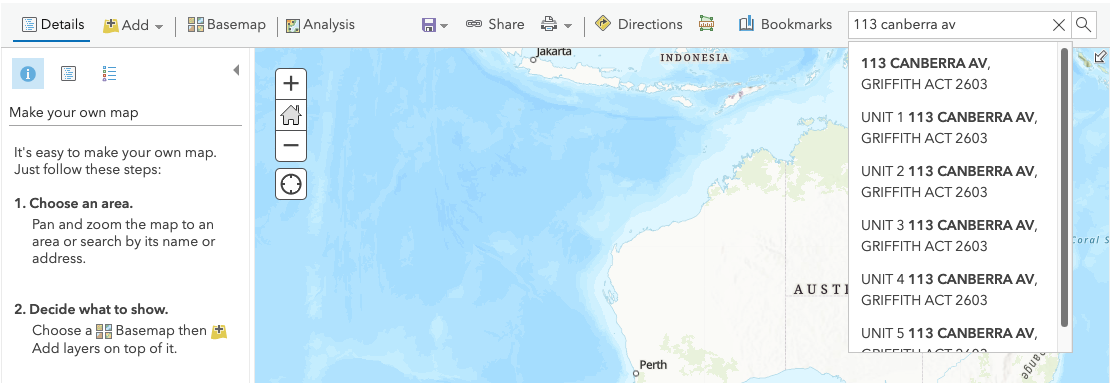
Search for an address in the map view