# Maps API Quickstart
Use this guide to inspect available tilesets and build a MapLibre map with authenticated Geoscape tile requests.
## Before you begin
You need a [Geoscape Hub](https://hub.geoscape.com.au/) application with Maps API product access and its Consumer Key. Follow [Authentication](/guides/authentication) to set up your application.
```shell
export GEOSCAPE_API_KEY="YOUR_CONSUMER_KEY"
```
The header name is `Authorization`. Its value is the Consumer Key directly, without a `Bearer` prefix. The Consumer Secret is not used in these requests.
## 1. Inspect available tilesets
```shell
curl --fail-with-body \
"https://api.psma.com.au/v1/maps/index.json" \
-H "Authorization: $GEOSCAPE_API_KEY" \
-H "Accept: application/json"
```
The response is an array of TileJSON objects. Read `tiles` for URL templates and `vector_layers` for source-layer names, fields, geometry types, and zoom levels. Use the published layer ranges when configuring a source.
## 2. Create a map
Save the following as `index.html` and replace `YOUR_CONSUMER_KEY` with your application's Consumer Key. Open it in a browser with internet access.
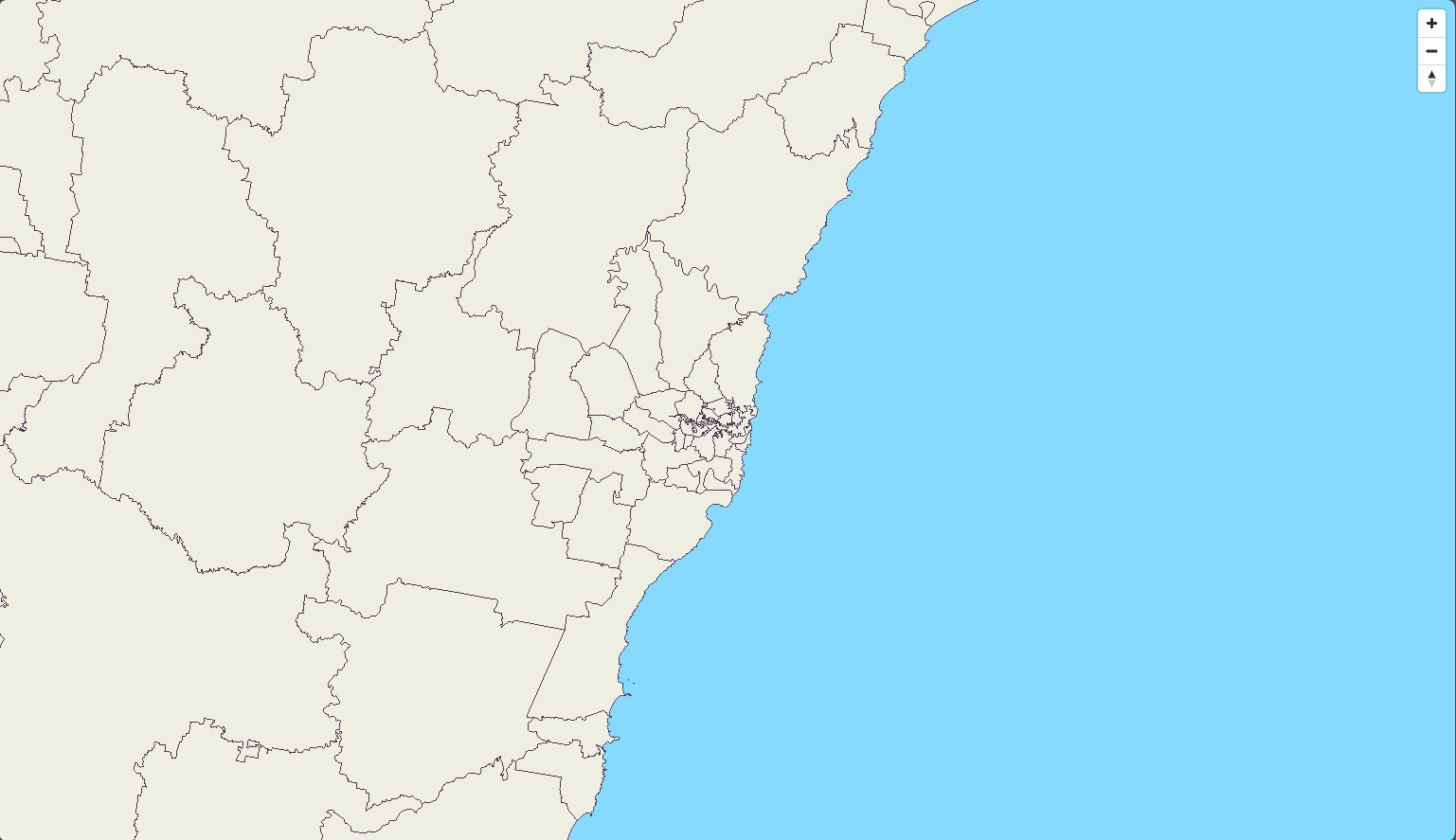
The example uses [MapLibre](https://maplibre.org/) to render Local Government Areas and G-NAF points around Sydney. `transformRequest` supplies the `Authorization` header for each Geoscape resource request. Maps also accepts the Consumer Key in the `key` query parameter when your client cannot send a header.
```html
Geoscape Maps API Demo
```
A key included in browser code is visible to the browser user. Keep your Consumer Secret out of the page. Follow [Authentication](/guides/authentication) when configuring your application.
## 3. Read the map configuration
- `tiles` is the URL template for a tileset
- `source-layer` is the vector layer inside the tiles. It can differ from the tileset name
- `maxzoom` is the highest published source zoom. MapLibre overzooms those tiles at higher display zooms
- The background colour is supplied by the example. Add your own basemap if you need roads or imagery
Local Government Areas uses a source `maxzoom` of 12. G-NAF uses 15. The client styles the raw vector data as fills and circles. Tiles are generalised at lower zooms, so small features may appear only as you zoom in.
## 4. Choose another layer or style
Use [Map Layers](/guides/maps/layers) for tileset names, source-layer names, attributes, and published zoom ranges. Retrieve `/v1/maps/index.json` to inspect available tileset metadata.
For a ready-made style, retrieve `/v1/maps/stylesheets/geoscape-light.json`. Authenticate requests for the style and every referenced tile and font resource. You can use the same `transformRequest` callback with that style URL.
## Usage and errors
Each returned tile uses **0.02 credits**. A map loads several tiles, and moving or zooming can load more.
- For `401` or `403`, resolve credentials or product access
- For `404`, check the tileset, zoom, and tile location. Some locations have no tile
- Use a compatible vector-tile client to decode the gzip-compressed protobuf response
See [Error Handling](/guides/errors) and [Rate Limiting](/guides/rate-limiting) for retries and request rates.
## Next steps
- [Choose map layers and attributes](/guides/maps/layers)
- [Customise the map with MapLibre](https://github.com/maplibre/maplibre-gl-js)